Getting Started with Reverse Engineering: A Beginner's Guide
Curious about how software works under the hood? Here is a practical guide to starting your journey in reverse engineering and binary analysis.
Dr. Clara Sterling
Cyber Security Specialist & Mentor
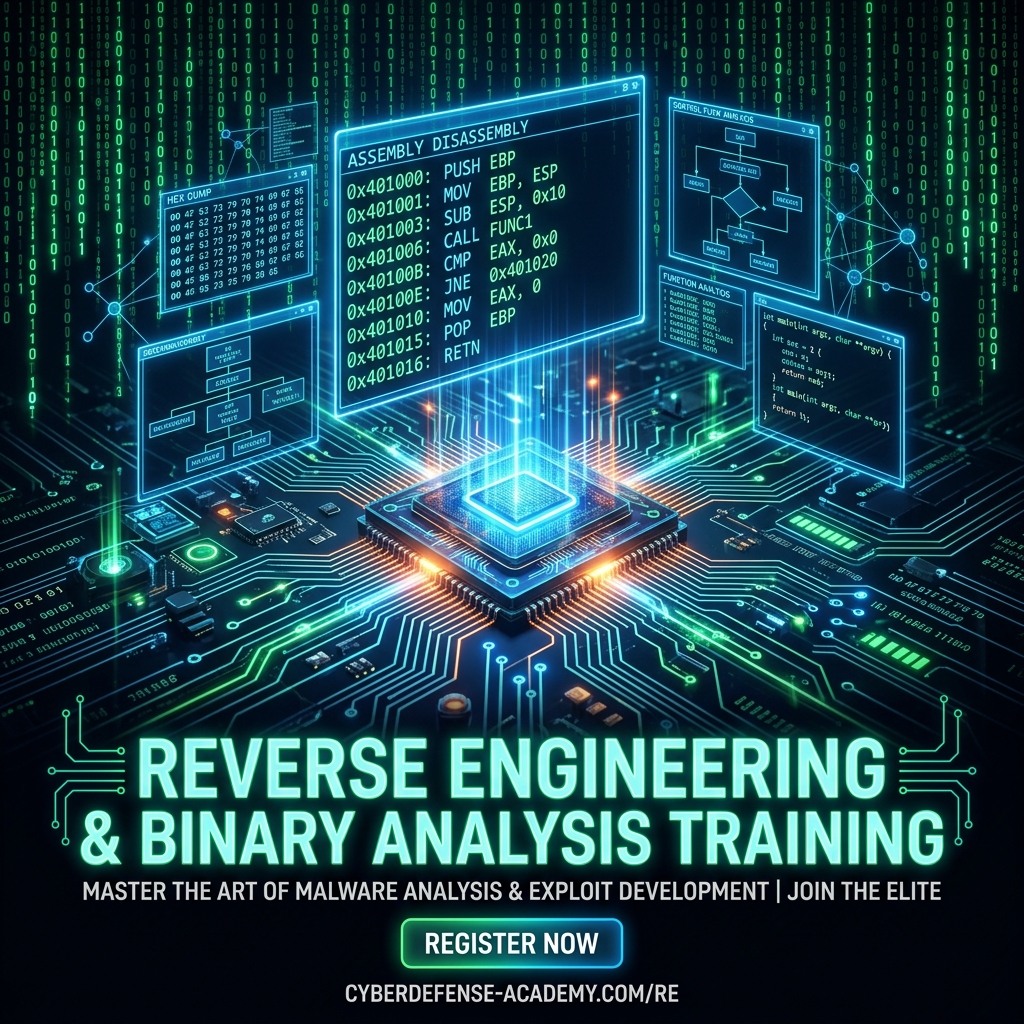
Have you ever wondered how software works at its lowest level, or how malware analysts decode compiled viruses without having access to the original source code? That is the domain of Reverse Engineering.
In this guide, we will break down the essential concepts, tools, and learning paths for beginners looking to enter this elite discipline.
What is Reverse Engineering?
Reverse engineering is the process of analyzing a compiled program to understand its design, behavior, and logic. When a developer writes code in C, C++, or Rust, they compile it into machine code (binary) that CPUs can execute. As a reverse engineer, you start with the binary and work backward to reconstruct what the code does.
The Two Pillars of Analysis
To analyze a binary, you will use two complementary techniques:
- Static Analysis: Studying the code without executing it. This involves checking the file headers, searching for strings, and using a disassembler to look at the assembly instructions.
- Dynamic Analysis: Executing the program in a safe, controlled environment (a sandbox) and watching how it behaves. This involves monitoring registry updates, file system access, network connections, and using a debugger to pause and step through execution.
Essential Tools for Beginners
You don’t need expensive commercial products to get started. The open-source community offers top-tier tools:
- Ghidra: Developed by the NSA and released for free, Ghidra is an incredibly powerful Software Reverse Engineering (SRE) suite. It features a high-fidelity decompiler that translates assembly code back into a C-like representation.
- x64dbg: A stellar, modern debugger for Windows applications. It allows you to set breakpoints, view registers, and patch program memory in real time.
- PEview & PEStudio: Excellent utilities to examine the structure of Portable Executable (PE) files (the standard
.exeand.dllfile formats on Windows).
Understanding Assembly & Registers
Because compiled programs run directly on the CPU, you must learn the basics of assembly language. A CPU uses tiny memory cells called registers to store temporary data. On x86-64 CPUs, you’ll work with:
RAX: The accumulator register (commonly used to store function return values).RIP: The instruction pointer (stores the address of the next command to execute).RSP: The stack pointer (keeps track of local variables and function calls in memory).
Your First Step: String Extraction
One of the easiest ways to start analyzing a binary is to extract its Strings. Compiled binaries contain text such as error messages, URL endpoints, and registry keys. Using the strings command-line utility or opening the file in PEStudio can instantly reveal the program’s intent before you even open a debugger.